




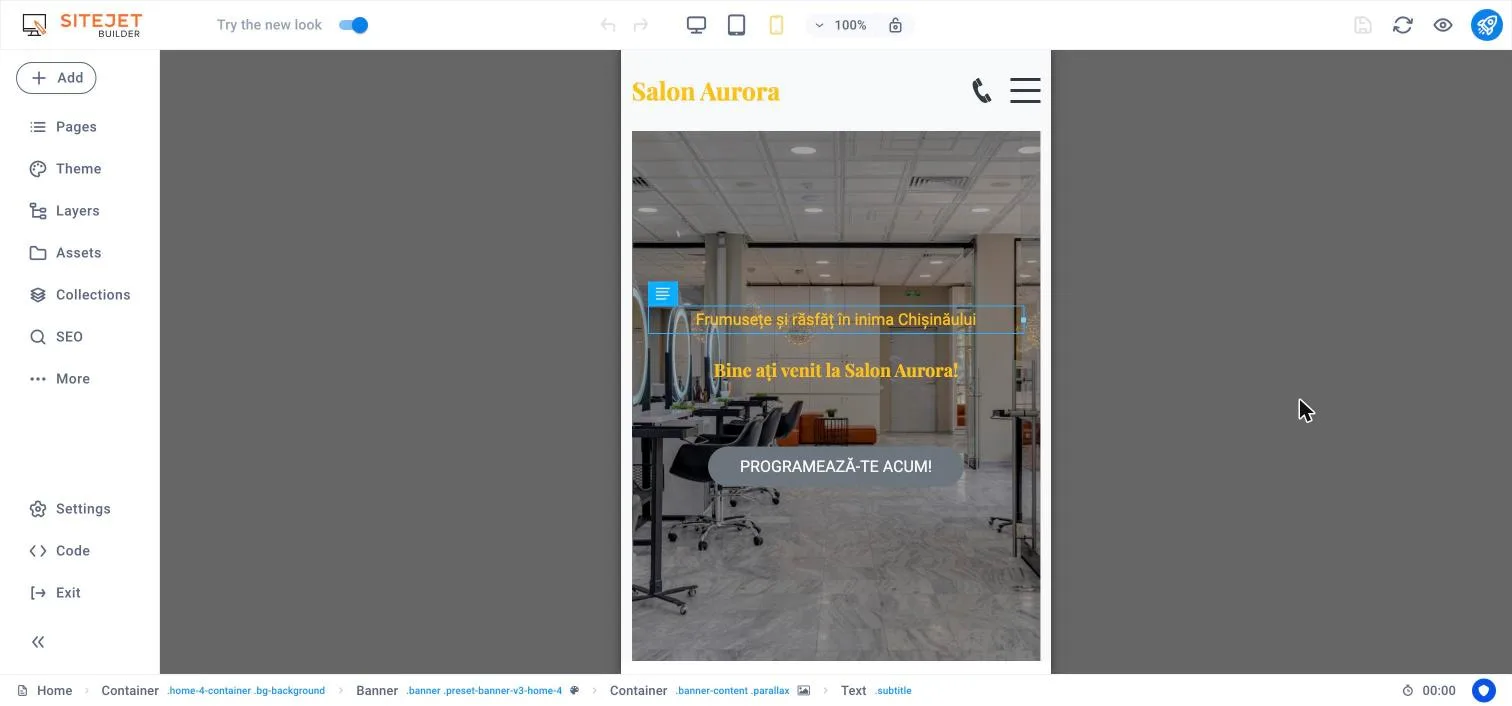

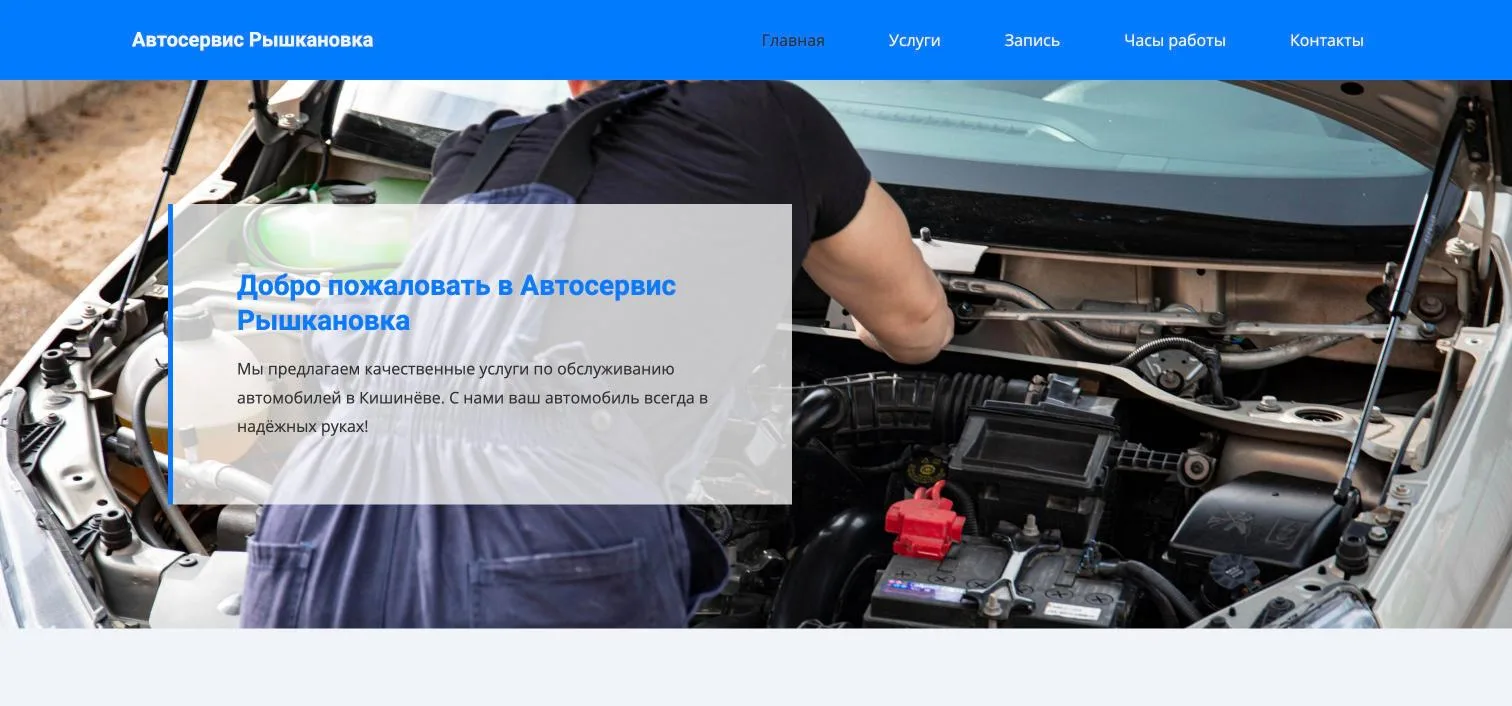
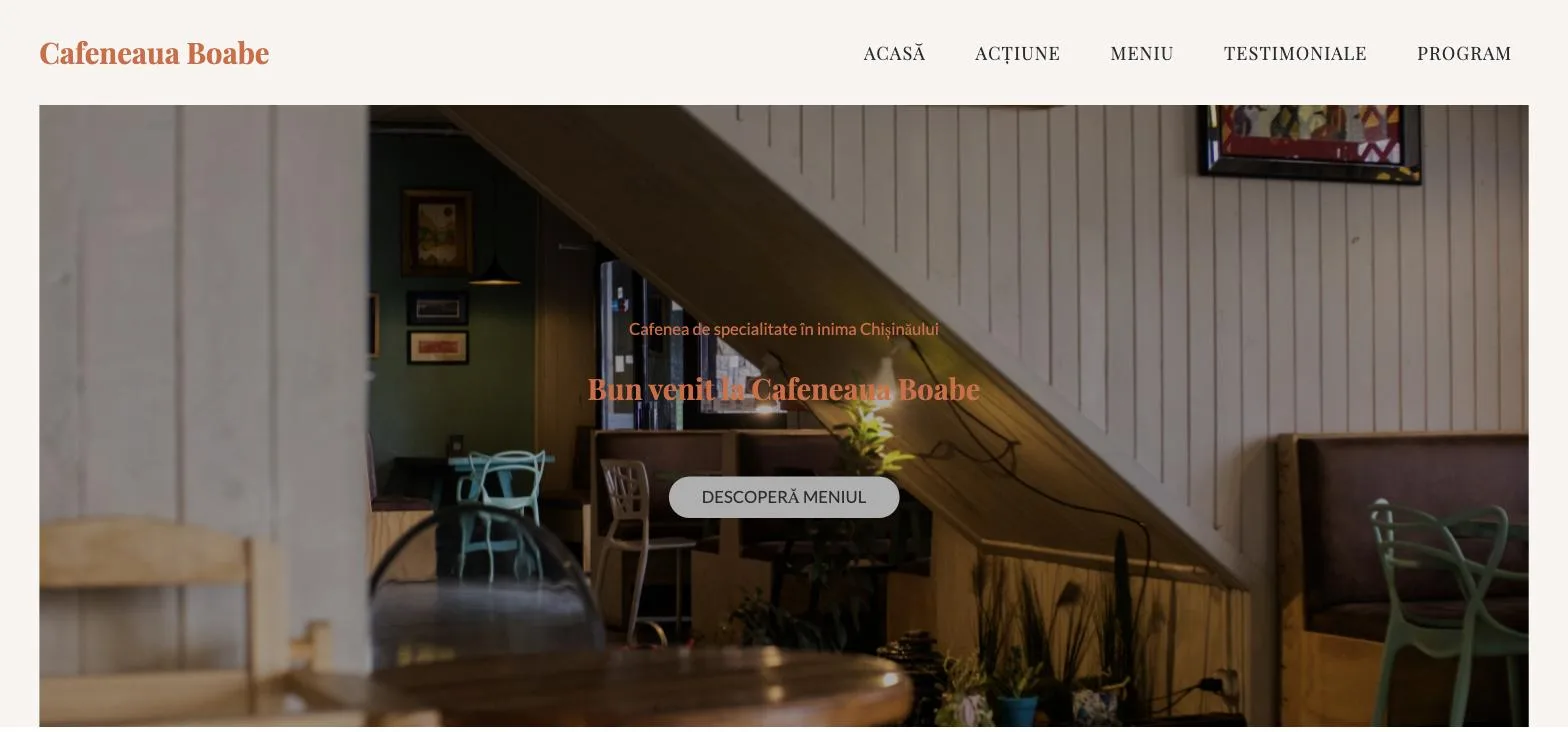

What Sitejet Builder is
Sitejet Builder is the website builder that ships with cPanel, made by WebPros — the company behind cPanel. You open it straight from cPanel, with no separate account and no separate subscription. The site you build is published to your own hosting account, on your own domain, as ordinary files.
What the AI does for you
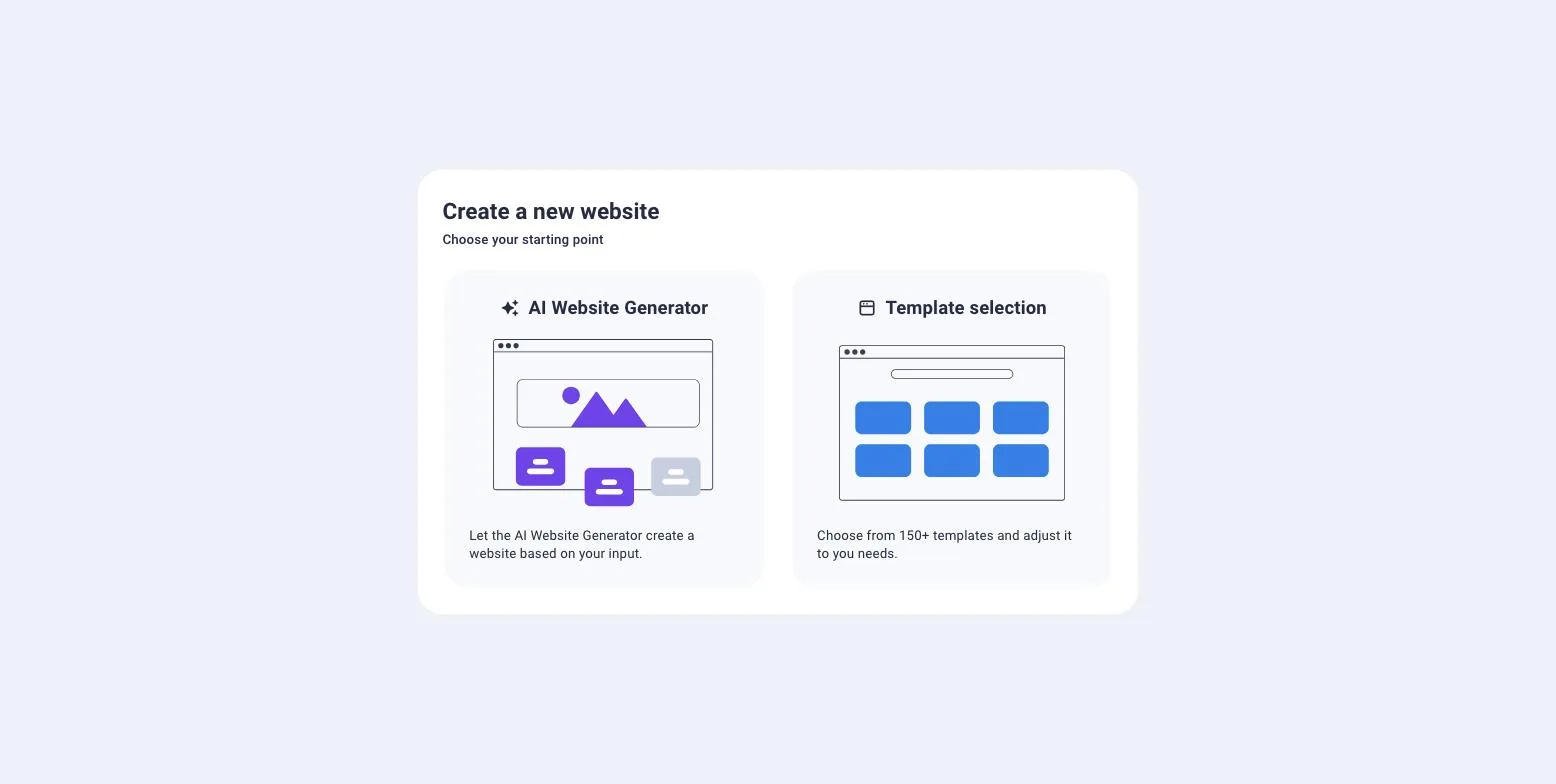
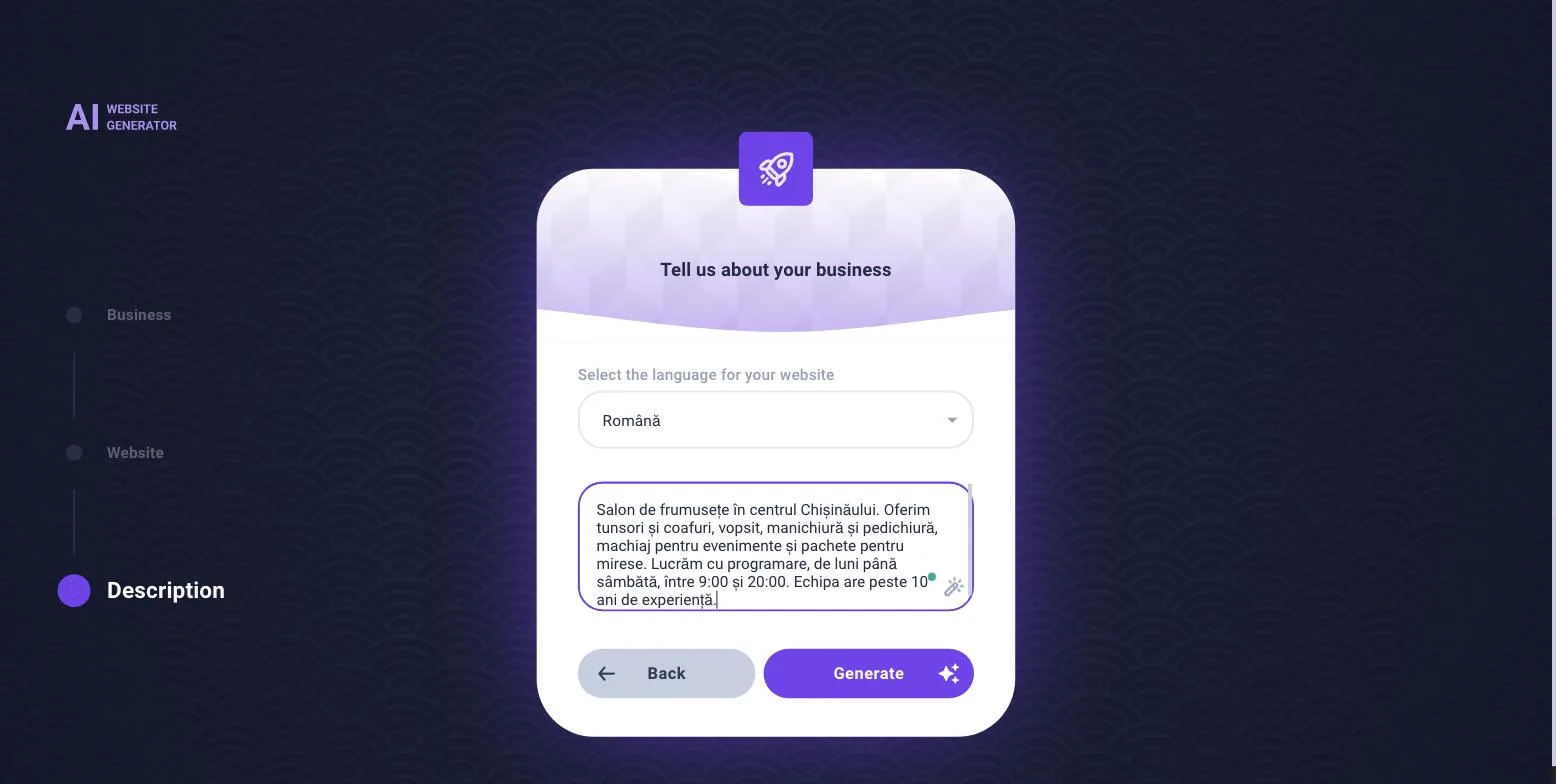
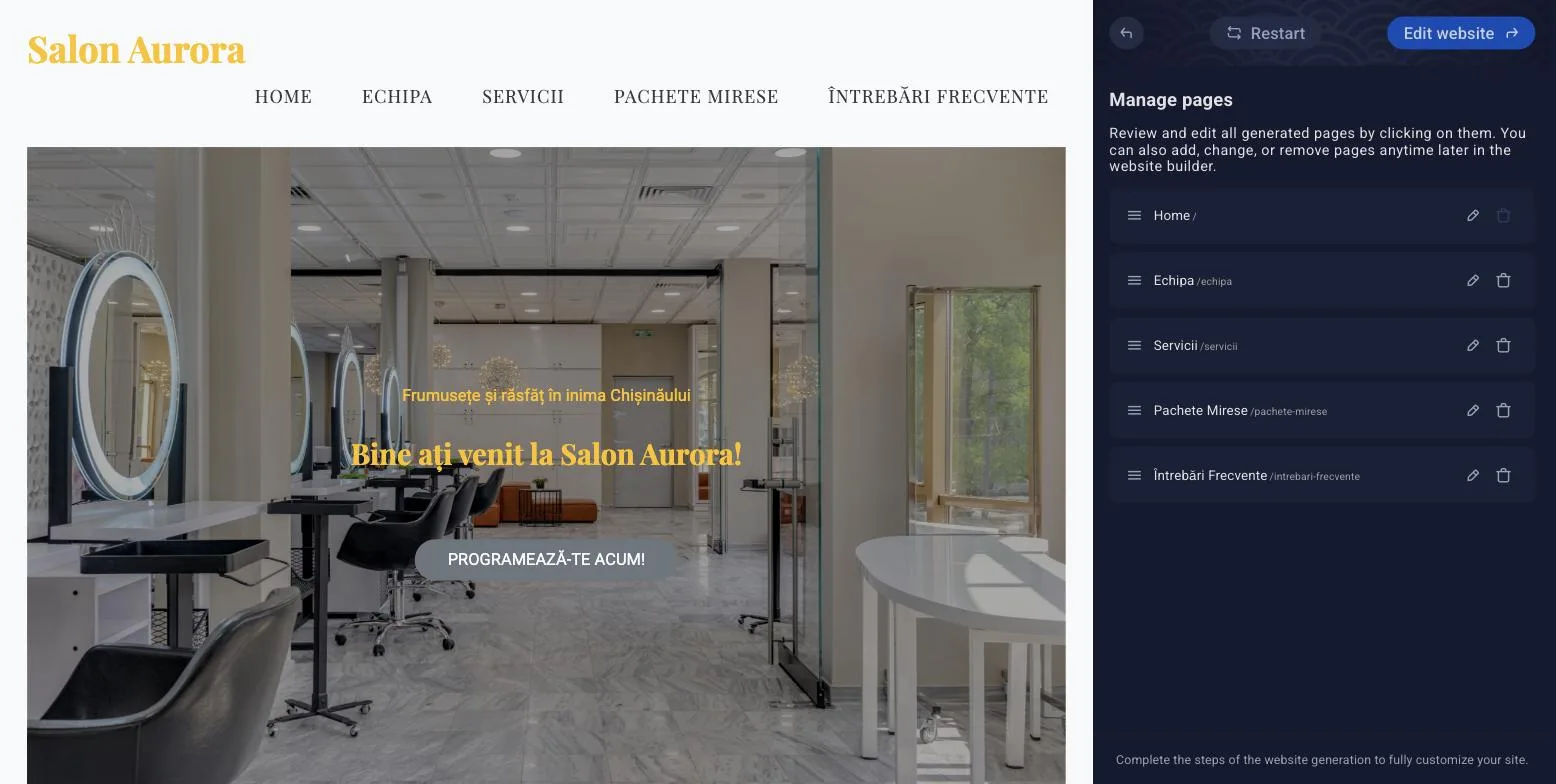
- Website generator. Answer three questions and get a site with one or several pages in the language you choose — there are 44.
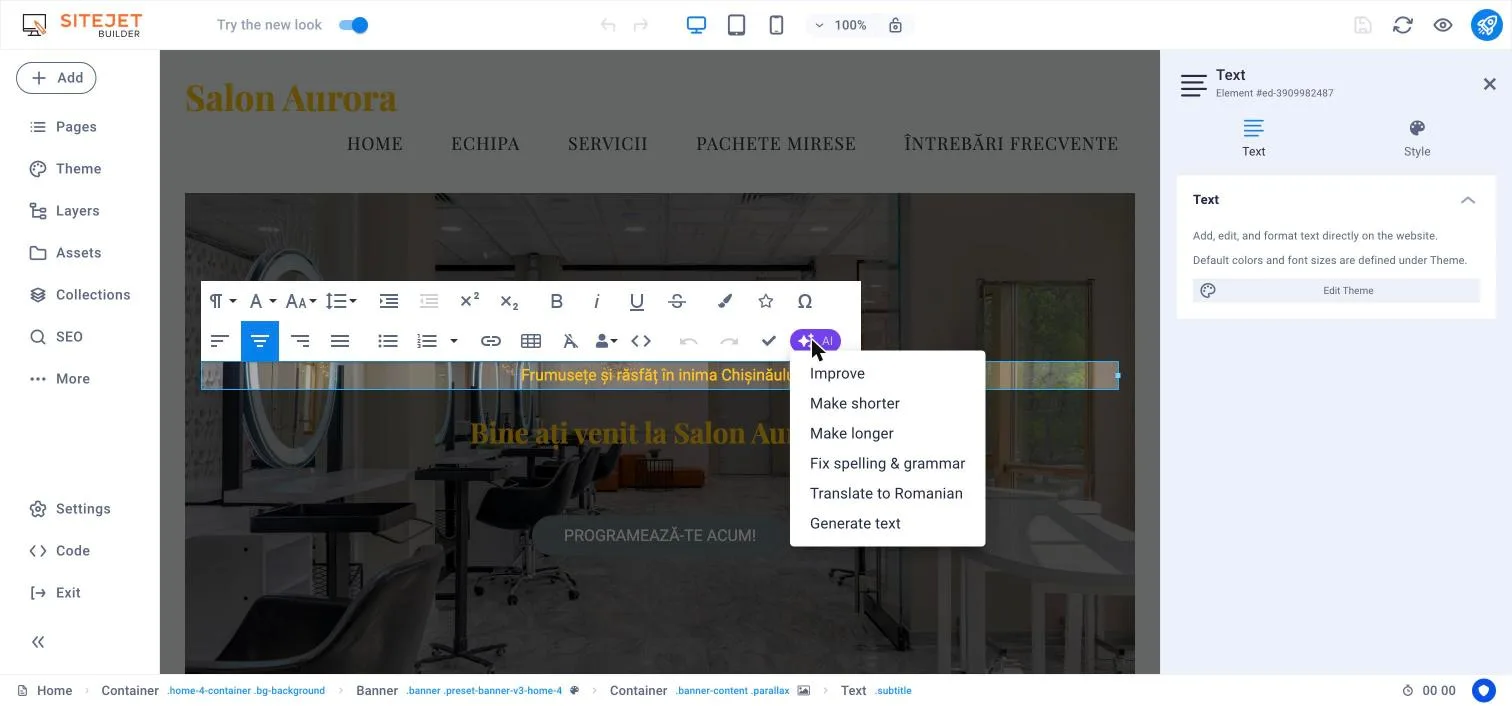
- AI for text. On any text: improve, shorten, lengthen, fix mistakes, translate, or write a new one from a few keywords.
- More than 150 templates. If you would rather not use AI, start from a ready-made template by category: services, restaurants, portfolios, events, health.
- Multilingual sites. Add a second language, let the AI translate the pages, and the site gets separate addresses and the right markup for Google.
What you can and cannot do
| You can | You cannot |
|---|---|
| a business site, a services page, a portfolio, an event page, a simple blog | an online store with cart and checkout — the shop is not part of the builder on our servers |
| a contact form that sends messages to your email | customer accounts, paid bookings or other features that need a database |
| a multilingual site, Google titles and descriptions, a sitemap | import an existing WordPress site — only text and images are brought over |
| your own HTML, CSS and JavaScript, for example a chat widget or Google Analytics | move the site to a provider without Sitejet and keep editing it there |
The editor itself is in English (and eight other languages); your site can be in any of the 44 content languages.
Sitejet, WordPress or Wix?
| Sitejet Builder at IPHOST | WordPress | Wix, Squarespace | |
|---|---|---|---|
| Time to a first site | minutes, with AI | hours or days: theme, plugins, settings | a few hours |
| Cost | included in hosting | free, plus paid themes and plugins | separate monthly subscription |
| Maintenance | none: no updates, no plugins | regular updates and backups | none |
| Online store | no | yes, with WooCommerce | yes, at extra cost |
| Where the files live | on your own hosting account | on your own hosting account | on the platform's servers |
| Email on your domain | included in hosting | included in hosting | paid separately |
A site that brings you enquiries
A website is not a business card; it is the place customers call and write from. Any page can carry a contact form that sends messages to your email, and buttons that open WhatsApp, Viber or Telegram directly. Add a Google Maps block with your location and your opening hours.
Already have a Facebook or Instagram page? The site complements it: it shows up in Google when someone searches for your service in your city, it belongs to you, and it does not depend on a social network's algorithm.
What you are actually buying
One plan, one invoice: hosting, the AI website builder, mailboxes on your domain and an SSL certificate. You pick the domain in the same cart. The renewal price is written on every card, under the button, and you can cancel within the first 30 days and get the plan refunded.
You are not locked in
If the business grows and you need an online store or features the builder does not have, you install WordPress on the same hosting and the same domain, from cPanel, with no other subscription. See WordPress hosting; for a store with daily orders, LiteSpeed hosting.
What happens to the site you already have
Publishing puts the new site in place of the one that exists on that domain. cPanel first offers to create a restore point, from which you can return to the old site. If you only want to try it, build the site on a subdomain, for example new.yourdomain.com, and move it to the main domain when you are happy.